 Pocket Keys
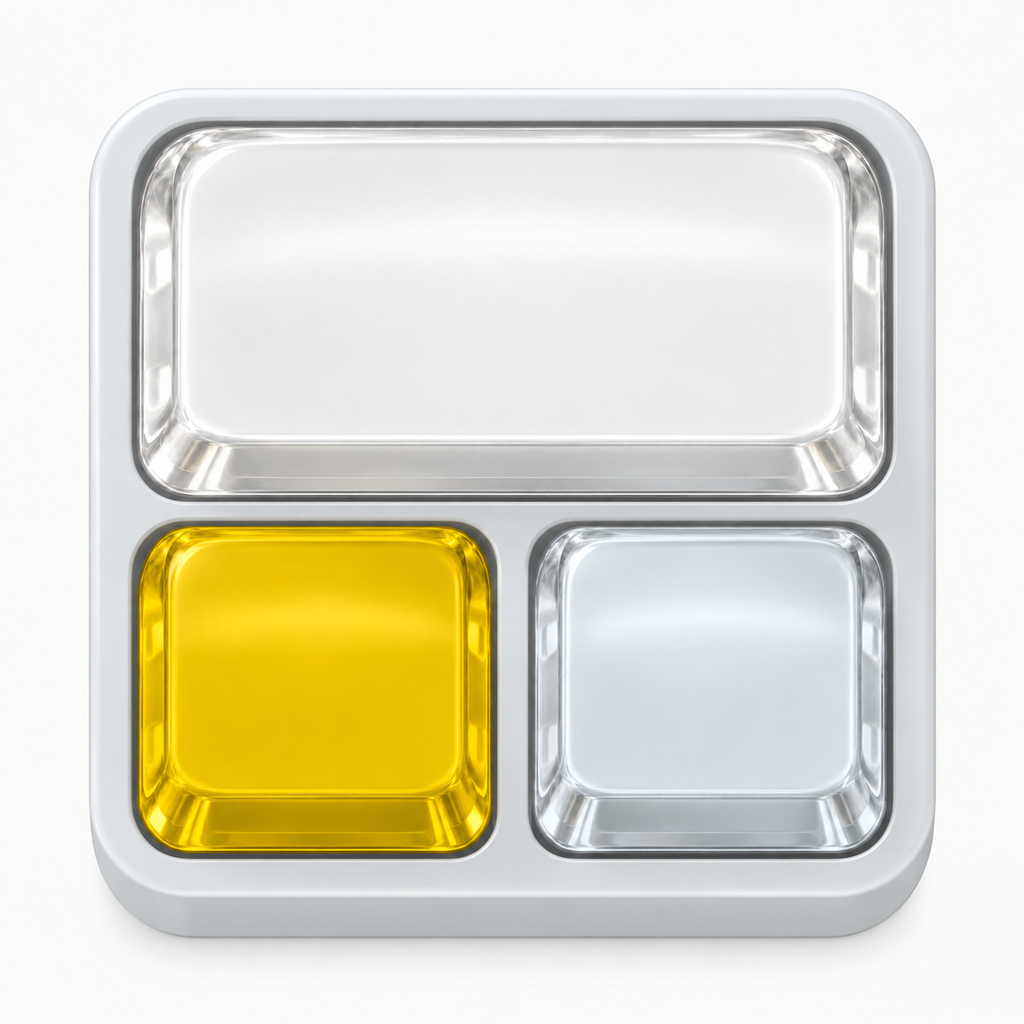
Three shortcut keys for Mac
A small deck.
Your favorite shortcuts.
Give the actions you use most a place on your desk. Three fixed keys, clear keycaps, and a press with character.
Make the keys yours.
Choose Copy, Paste, Escape, Enter, or Undo. Make a custom key combination or a sequence of up to three steps. Put your favorite action on the large key.
A clear, fixed layout.
One large key and two smaller keys stay in place while you use them. Key sounds and haptics are optional. Sound follows your iPhone’s silent mode.
Pair with your Mac.
Keep Pocket Keys open on your iPhone, then pair from your Mac’s Bluetooth Settings. Your Mac receives standard keyboard input directly.
Requires a nearby Bluetooth-enabled Mac. Keep the iPhone app in the foreground during use. It keeps the screen awake while open and restores normal Auto-Lock when you leave. macOS may show Pocket Keys or your iPhone’s name. Windows is not supported in this release.